Incident Report: X Account Compromise via Malicious OAuth Application
Overview
On May 12, an incident occurred involving the X (formerly Twitter) account of James. A third-party OAuth application was used to publish unauthorized posts distributing a malware loader. This report documents the attack vector, execution, and remediation. We are sharing it in hopes to help others not fall victims for the similar scams.
Initial Contact and Phishing Vector
The event began with a direct message from the verified (golden badge) X account @tapxgg. The message stated: “Hi BanKs, hope all is well. We’d love to work together if you’re open to it.”

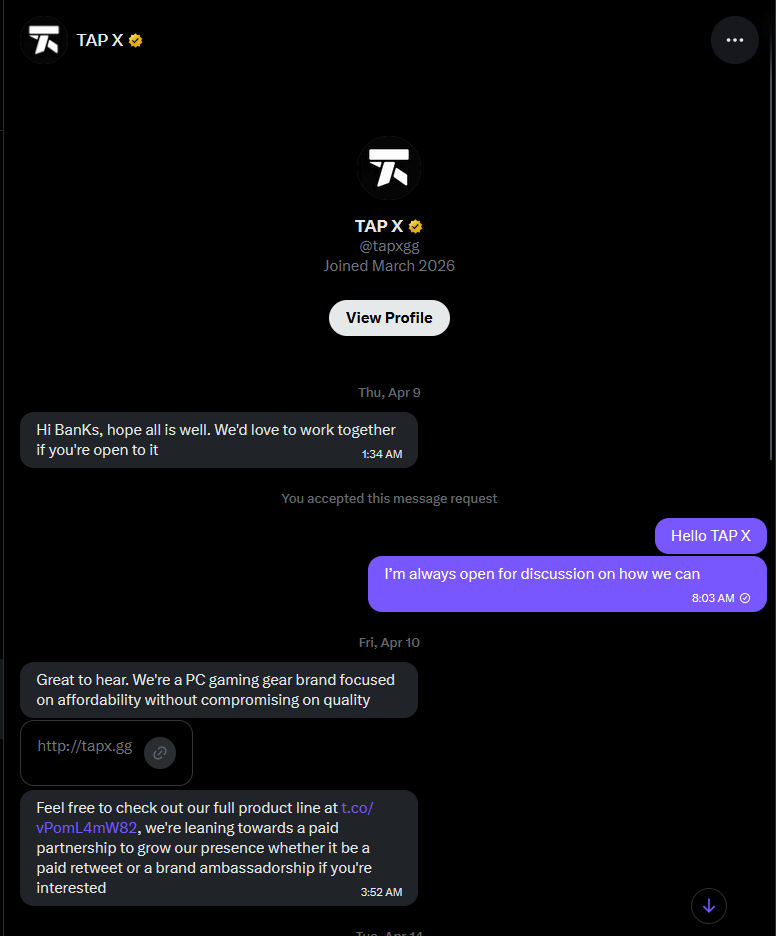
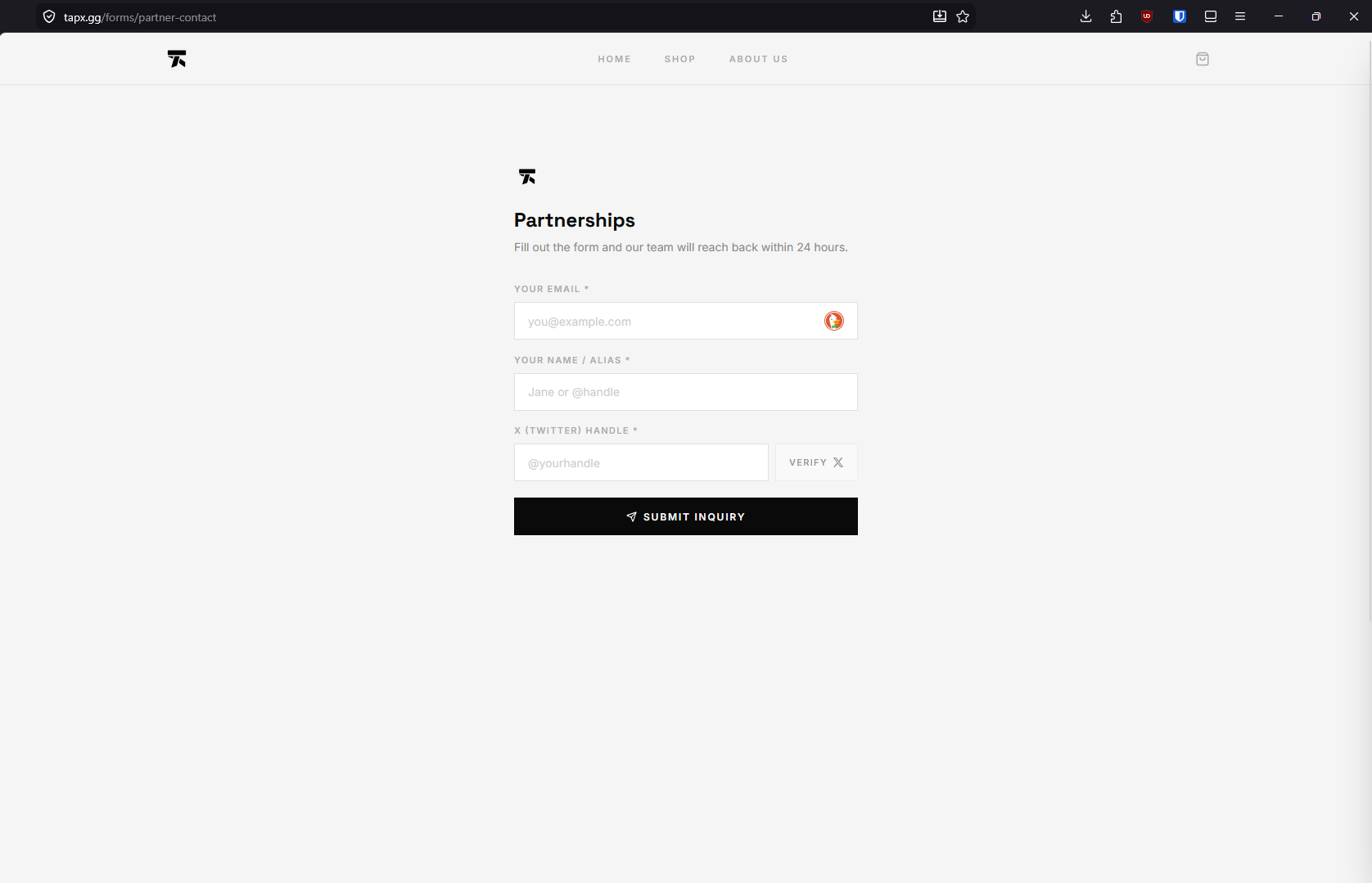
Following a reply, the operator of the @tapxgg account instructed James to fill out a partnership form located at https://tapx[.]gg/forms/partner-contact. The form contained a field requesting an X handle, accompanied by a verification button. We sent out hosting abuse report to hostinger.com, but yet to hear back. Will update if new information available.
The OAuth Authorization Trap
Clicking the verification button initiated an OAuth 2.0 authorization request, redirecting the browser to an X application sign-in page with a callback URI of https://gemigsbmkafe[.]com/api/oauth/callback.
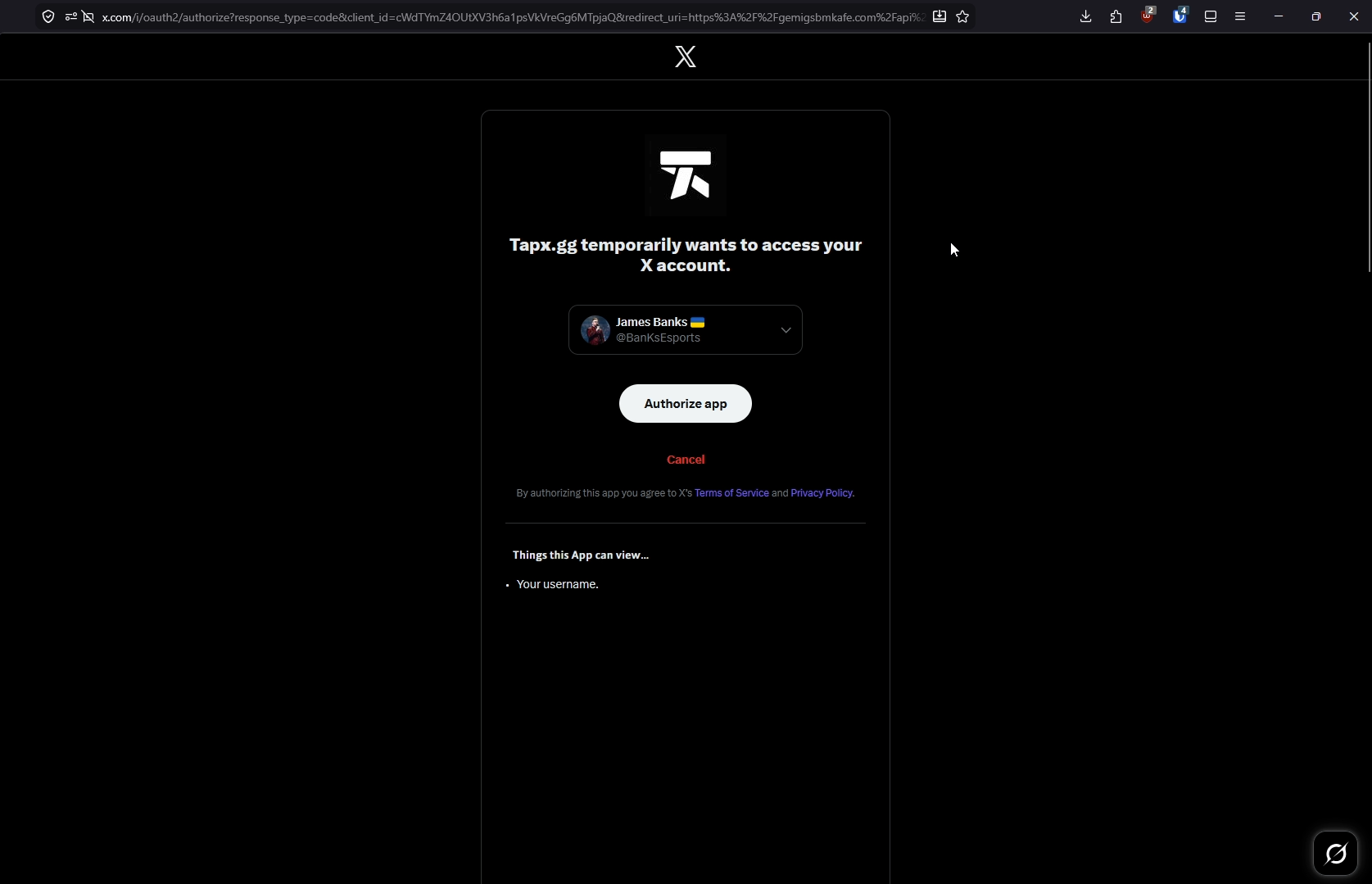
The authorization interface was manipulated to obscure the requested access levels. The visible portion of the browser window displayed only the text: “Things this App can view… your username.” The full list of requested permissions was positioned below the visible page boundary, requiring the user to scroll to view them.
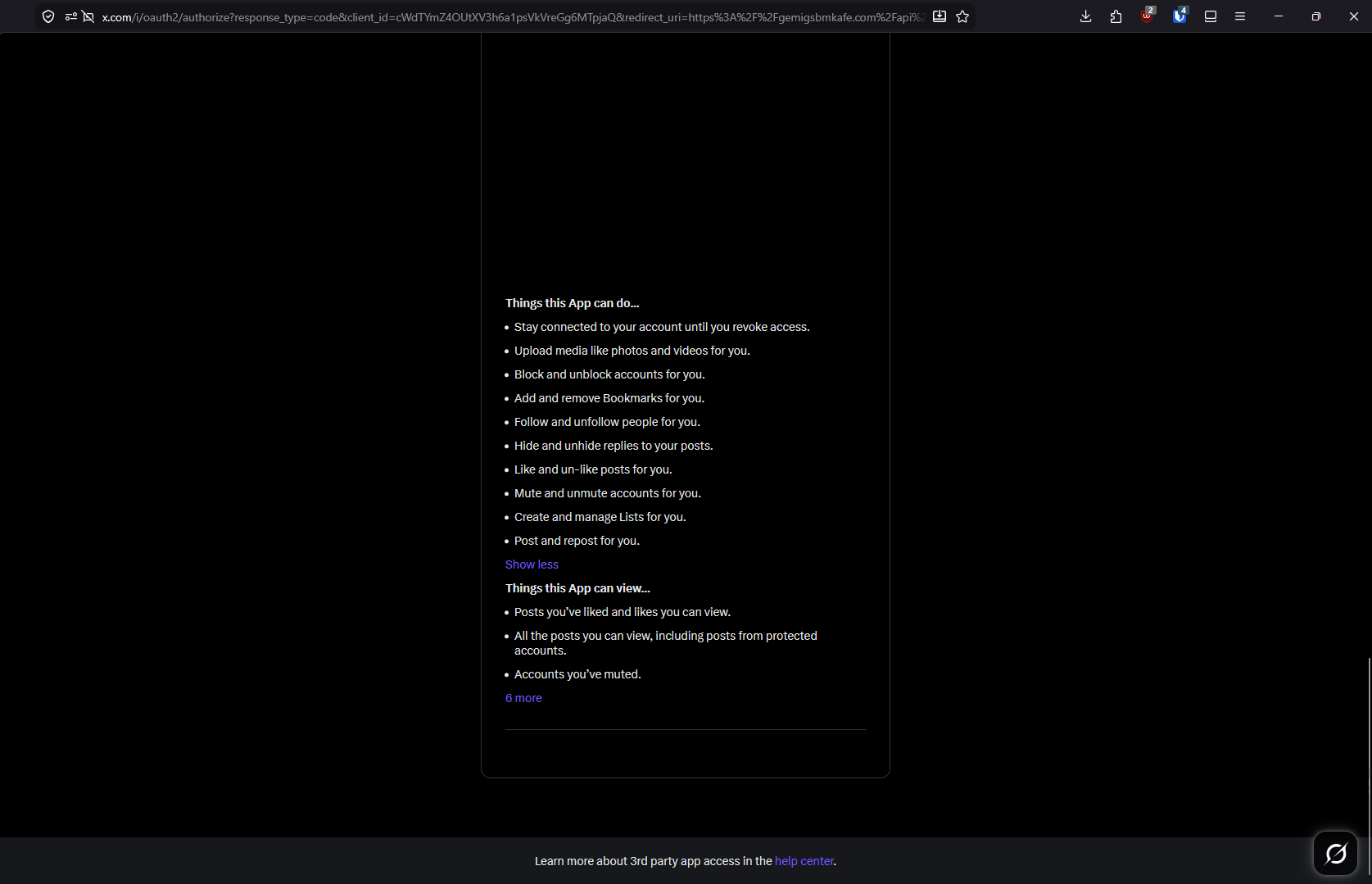
The application requested extensive read, write, and offline access scopes, specifically:
tweet.read, tweet.write, tweet.moderate.write, users.read, follows.read, follows.write, offline.access, space.read, mute.read, mute.write, like.read, like.write, list.read, list.write, block.read, block.write, bookmark.read, bookmark.write, and media.write.
Execution and Payload
Early in the morning on May 12, the authorized application was used to create two unauthorized posts on James’s timeline. Server logs indicate these actions originated from the IP address 209.99.190[.]229.

The unauthorized tweets contained links to flicktrain[.]com, a domain configured to mimic a legitimate esports training application. The site functioned as a distribution point for malware, prompting users to download an obfuscated batch file (flicktrain-x64-3.43.bat) designed to execute a fileless payload in system memory.
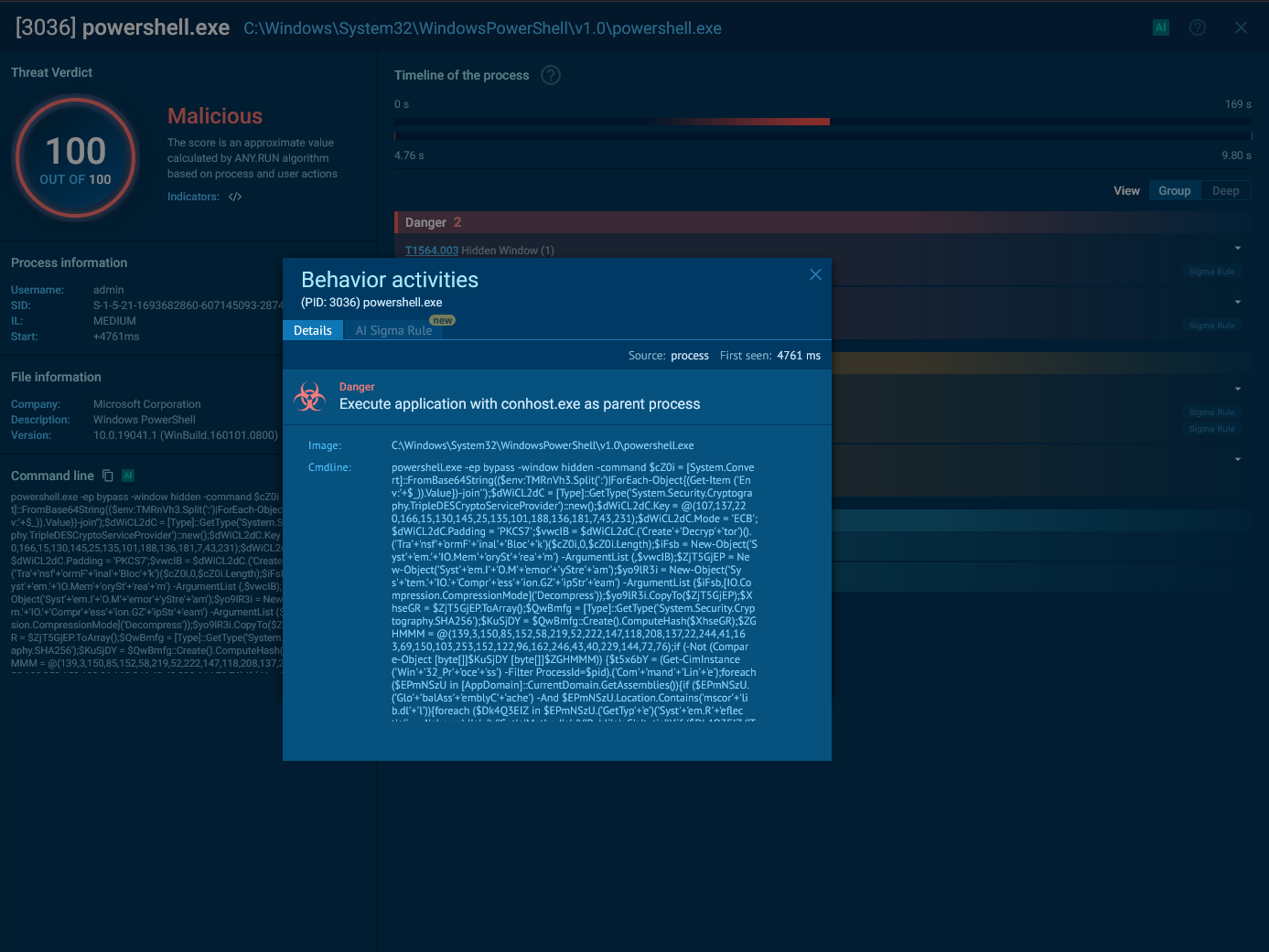
Check out the full execute of the file at Any.Run
Persistence and Remediation
Standard account recovery procedures, such as changing the account password, did not terminate the attacker’s access. The inclusion of the offline.access OAuth scope granted the application persistent access tokens that remain valid independent of the account password.
To neutralize the threat, it was necessary to manually navigate to the connected apps section within the X account settings and locate the malicious application. The attackers employed two specific UI deception tactics at this stage:
- Camouflage: The application was named “iOS,” mimicking the official Apple client to avoid suspicion during a casual review of connected apps.
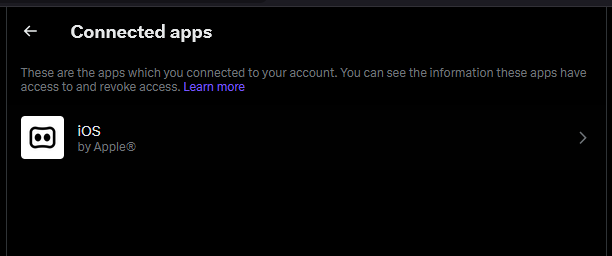
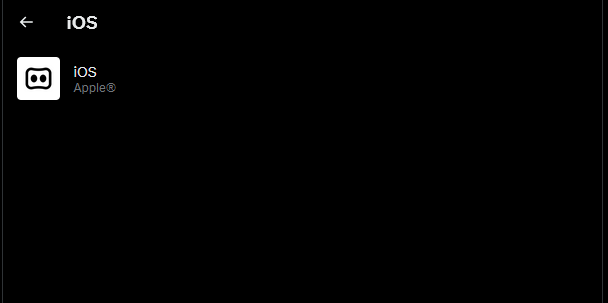
- Obfuscation: While the app entry itself was visible, the attackers inserted a massive amount of empty lines into the application’s configuration. This pushed the “Revoke app permissions” button entirely out of immediate view, requiring the user to scroll to the very bottom of a seemingly empty page to locate the button and disconnect the malware.

Impact Assessment
- Account ownership was not compromised; James retained login access throughout the incident.
- Direct Messages (DMs) were not accessed or exported by the authorized application.
- The primary impact was the unauthorized distribution of malicious links to the account’s followers.